
To rectify this take the following steps:
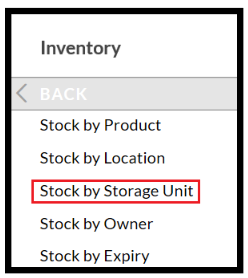
Inventory > Stock by Storage Unit:
Now filter to find the StU, the easiest way to do this is to search for the StU, use the and enter the details:
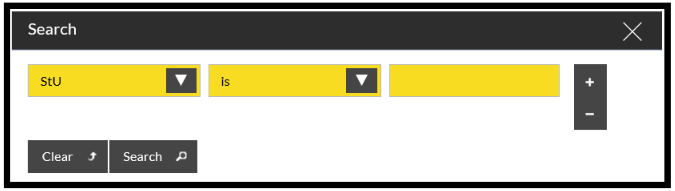
The Stock tab will list all the orders (or assignments) in that tote.
If you then go to:
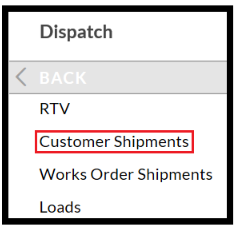
- Dispatch > Customer Shipments and input one of the orders.
- Select 'Change Status'

-
'Recreate PACK task'
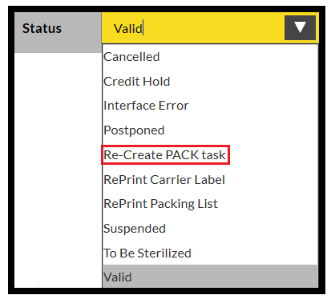
- and Confirm.
This will create the tasks that are needed to Pack the orders in this tote.