To view stock movements by type:
- Go to Inventory > Stock Movements
Then select the type of movement from the drop down box below.
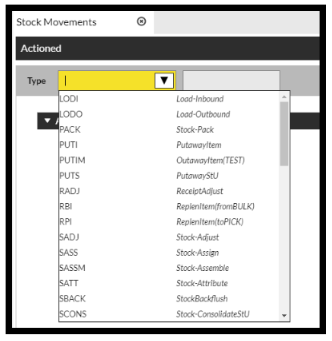
This will then show you the Actioned movements for the type selected.
To view movements by location:
- Go to Inventory > Stock by Location
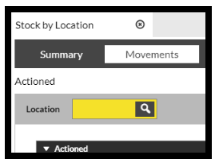
Select movements and enter location.
To view movements by product:
- Go to Inventory > Stock by Product
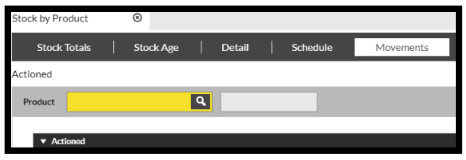
Select movements and enter product.
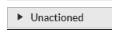
To view the Unactioned movement please select the bar at the bottom of the screen.