
History of a particular record can be viewed by selecting the 'Detail' tab.
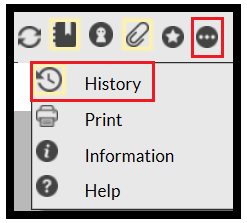
From here click on the 3 dot icon found in the icon bar and select 'History:' If there is no history, then the icon next to 'History' will not glow.
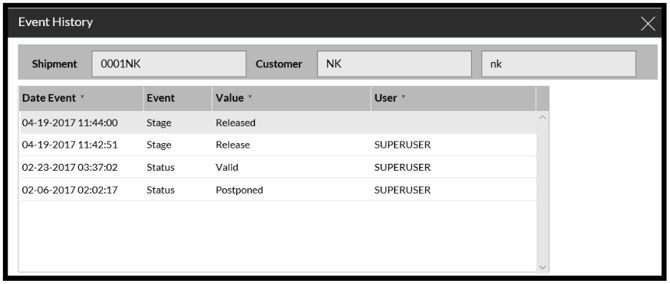
Once clicked, the history data will be displayed.
One thing to note, if an order is cancelled via an interface then the history will be blank, so if this is the case then you will need to refer it to the operators of your Host system for information.