
<img src="https://secure.smart-company-365.com/265895.png" style="display:none;">
Skip to content
English
  • There are no suggestions because the search field is empty.

How to Use the Set Cutoff Button (Customer Shipments)

There may be times when you need to stop SnapFulfil trying to assign stock to a shipment.

The Set Cutoff button

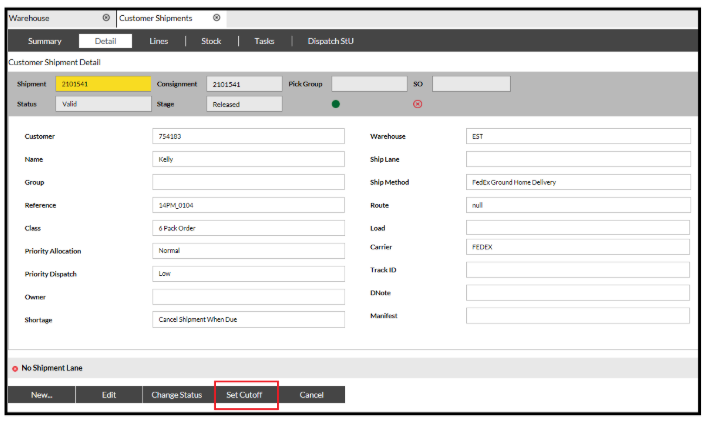
The Set Cutoff button will stop SnapFulfil trying to assign any more Stock to a Shipment if there is a shortage.

The Set Cut off button is found on the Shipments screens:
If a Task is closed after pressing the Set Cutoff button, the Task will not regenerate.