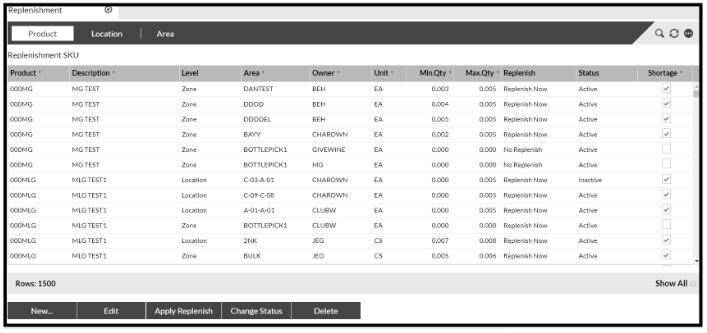
Replenishment can be set up for each Product in some or all of the Locations where it is stored. This involves setting a minimum (Min.Qty) and maximum (Max.Qty) level for the Product in the Location:
Min.Qty is the quantity which, when reached, will trigger a Replenishment Task to be created for the Location.
Max.Qty is the maximum quantity that can fit in the Location. The Replenishment Task will be created with a quantity to fill the Location up to this quantity (if there is enough available).
Replenishment is set up in Master Data Product > Replenishment