
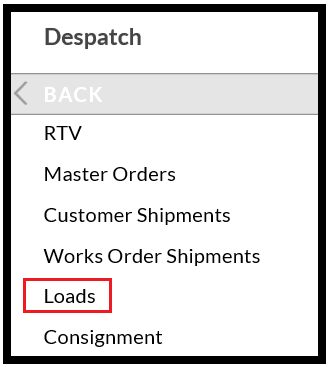
- From the Topics menu select Dispatch > Outbound Loads.
- Select the ‘Shipped’ radio button:

- Now highlight your Load and select the ‘Detail’ Tab:

- Towards the bottom of the Detail screen, find a Print Documentation button:
- Press this and the manifest will reprint.