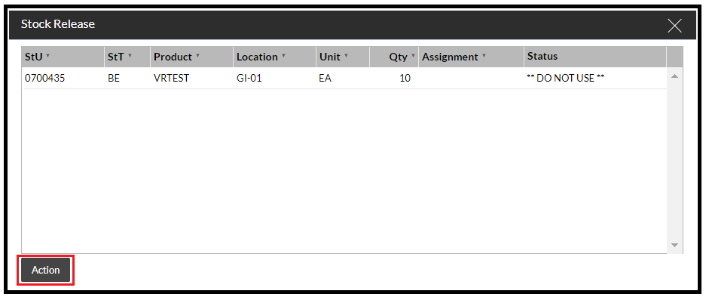
Releasing stock is not a task that can be performed on your RF device.
Releasing stock is done on the web UI. You can do this on many of the stock pages.
Find the stock with a status that is not 'Good.'

If you then select the Detail tab.
Find the Show Actions button (on the Stock By Product page in the screen shot below), then select Release.
Drag in the stock lines that you'd like to release to good status and select 'Action.'