
When you try to add it in again you will receive a message telling you that there was a 'DB Update Failure':
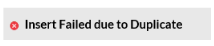
This is because the SKU is still in the system but is in a Purged state.
In SnapFulfil, when you delete something it is not immediately removed from the system. Instead it is marked as 'Purged'. It will remain in this state until the background services run and remove it from the database.
While it is purged, and before it is removed, you can re-instate it.
How to Reinstate
You can reinstate a SKU by going to:
Master Data - Product > Products and make sure that you are on the Summary tab.
Using the Magnifying Glass  icon, search for a stage of Purge:
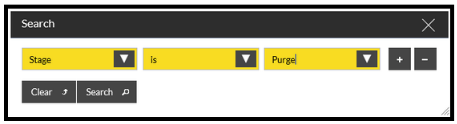
This will bring up a list of Purged SKUs.
Scroll down to find the SKU that you require and highlight it:

Select the line and click on the Detail tab.
The 'Reinstate' button at the bottom of the screen should become available:
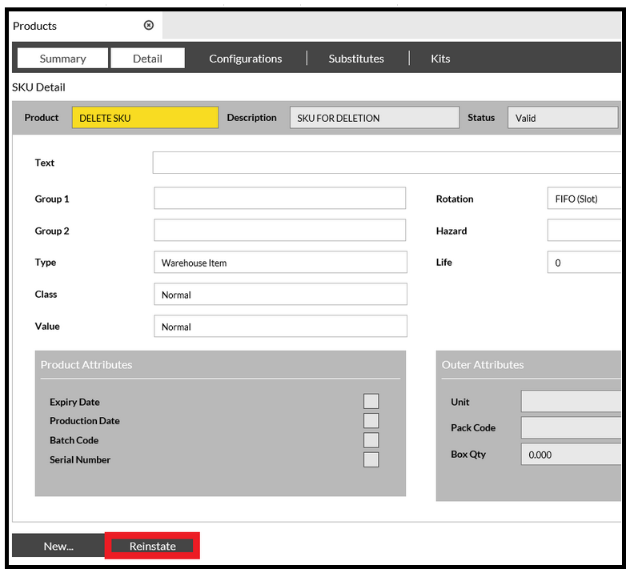
Click Reinstate and then click Yes to the confirmation, the SKU will be available again.