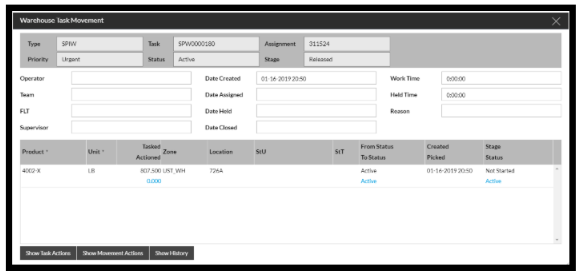
To re-assign an task on an RF open the Warehouse Task Movement screen as below.
Note: A task should not be deassigned unless the stage of the task is 'Not Started'.
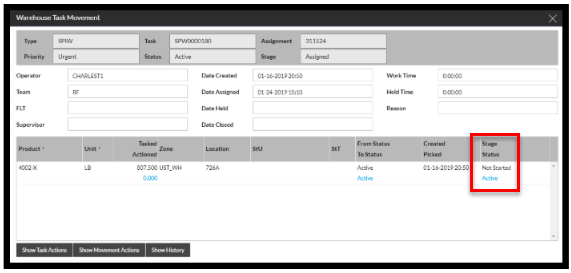
Once opened click on Show Task Actions.
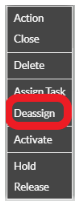
Select Deassign from the menu.
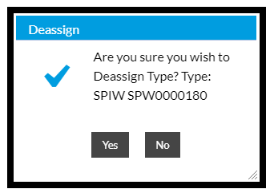
Select Yes to confirm.
Once the task has been Deassigned then the Operator, Team and Device will be removed from the Warehouse Task Movement screen as below. Once this has been Deassigned then the task will be Available for a new Operator.