
In order to put stock away, the following process should be carried out:
- Click on 'Receiving' then either Receipts or Return
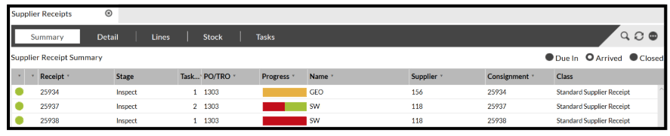
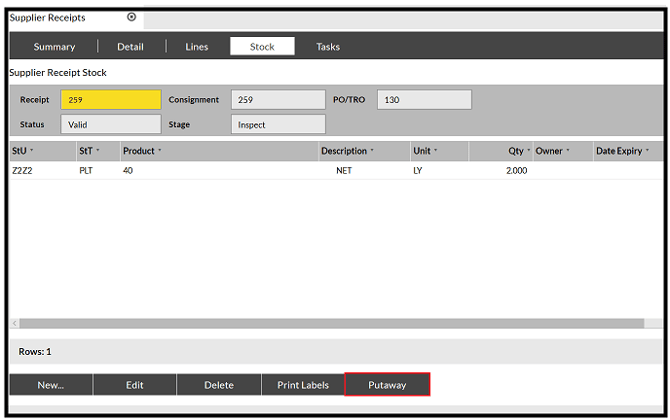
- Select the required Receipt or Return and click on the 'Stock' tab.
- Click on 'Putaway' and the 'Stock Putaway' box is displayed.
- Drag the required records into the new screen.
- You can either enter the required putaway location into the 'Location' field or click 'Task'.
SnapFulfil will try to generate the putaway tasks for the stock.
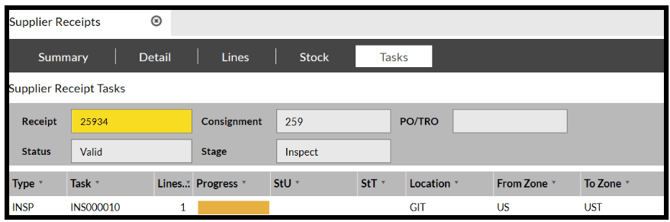
If there is a problem and the putaways cannot be generated a message of 'Task Failure' will be displayed, and no further tasks will be created for the Receipt / Return.
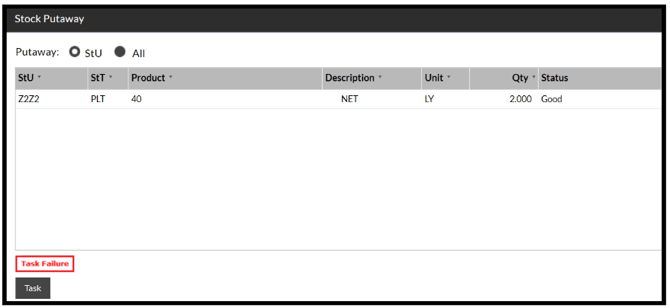
If this occurs then the reason for the failure will need to be investigated.