
To progress an order if a PACK task has been closed, please follow the steps below:
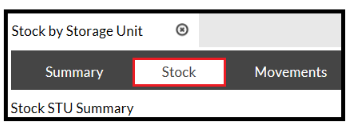
- Go to Inventory > Stock by Storage Unit
- Open the Stock tab.
- Select the required StU
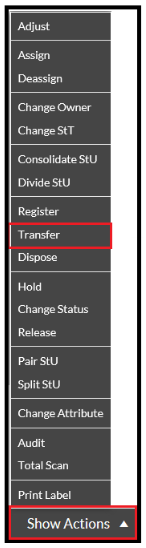
- Click the Show Actions button.
- In the drop down menu, select Transfer.
The Stock Transfer popup opens.
- Transfer the StU to the STAGING area of the warehouse:
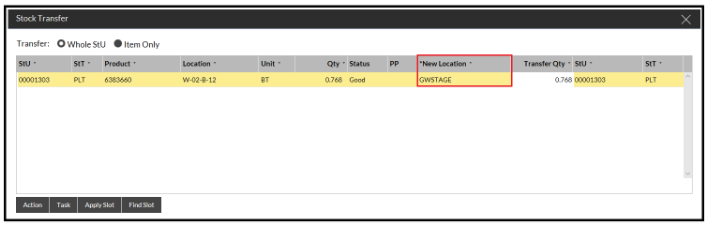
- Select Action
- On the order, Change Status > Recreate PACK task:
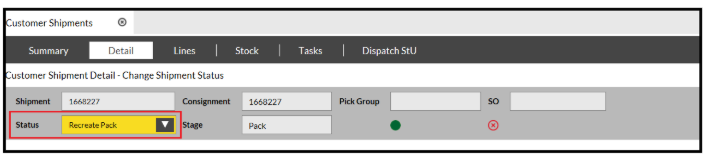
- Confirm