
To add a Shipment Address manually:
- Go into the appropriate Shipment Page.
- Open the Shipment Details tab.
- Click the Address Details icon:
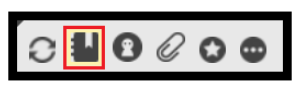
The Address pop-up opens.
- Click New:
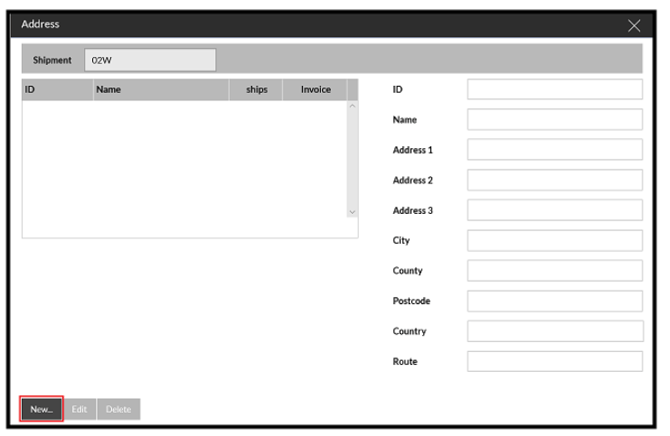
- Enter the Address details.
- Confirm the details
The new Address appears in the list of addresses.
- Highlight the address and press select
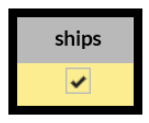
- Tick the Ship box for the Address and confirm:
You should now be able to progress the Load.