|
Step |
Action |
|
1 |
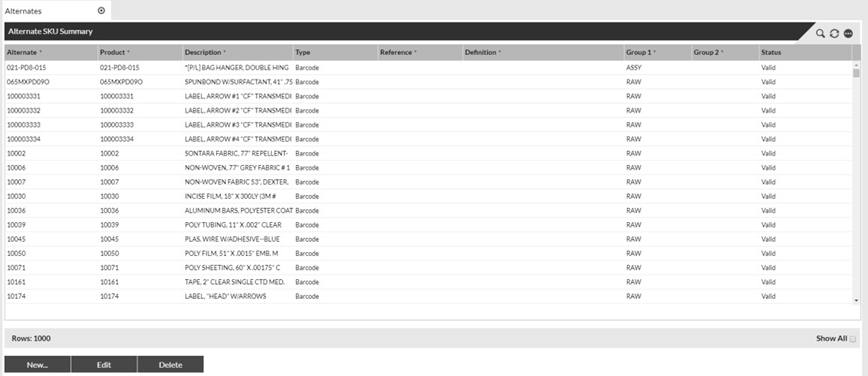
Click on the Master Data - Product Topic then Products and then Alternates to view all the all alternates that exist in SnapFulfil.
|
|
2 |
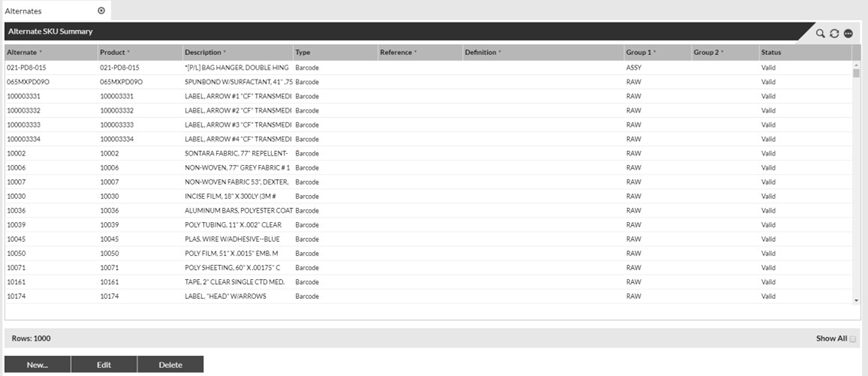
This screen will display the alternate value and the SKU it has been set against. On this screen, the options at the bottom of the screen can be used to Create, Edit, or Delete alternate values. To Edit or Delete an alternate, simply click to highlight and then select Edit or Delete.
|
|
3 |
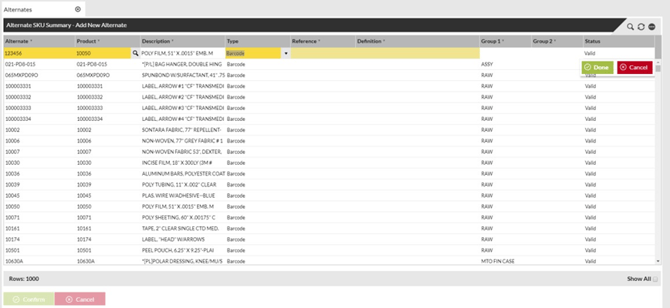
To create a new alternate, select the New option at the bottom of the screen. All required fields will be highlighted in yellow. Type – This field is an option of alternate type and should be set as Barcode as the alternates being created are an additional barcode identifier which can be scanned instead of the product ID. When the product ID which the alternate is being associated with is entered, the description and Group 1 and 2 fields will auto populate (if applicable). Once complete, select Done and then Confirm to save your changes.
|
|
4 |
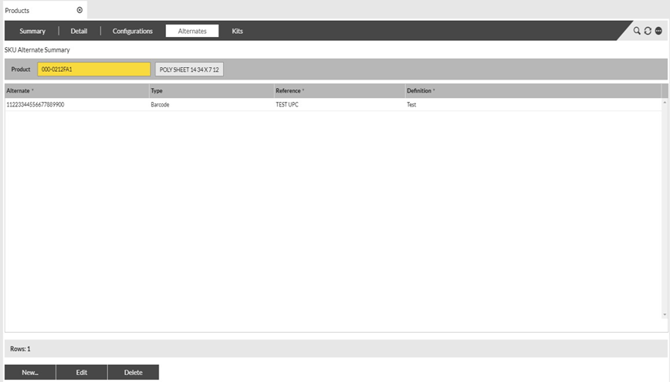
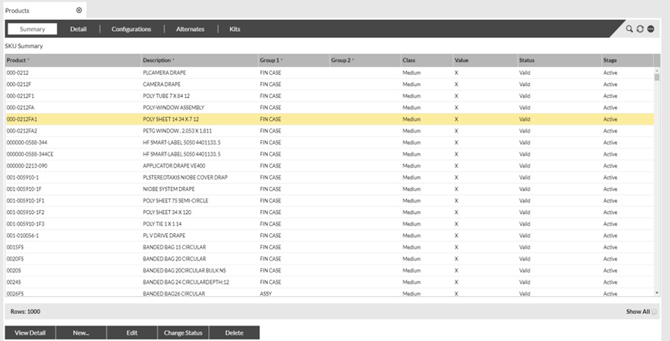
An alternative method of adding a product alternate to the SnapFulfil system is through the product screen. Select Master Data – Product then Product. This will display a list of all products in the system. The Show All check box can be used to extend the displayed list. Click to highlight any product and then select the Alternates tab to view the alternates set against that product.
|
|
5 |
This screen will display all alternate values set against the product you are viewing. On this screen, the options at the bottom of the screen can be used to Create, Edit, or Delete alternate values. Following the same method as described earlier via the Alternates screen.
|