
To do this:
- Go to Inventory > Stock Movement.
- Select Type: SSHIP

This brings up a screen like the below:
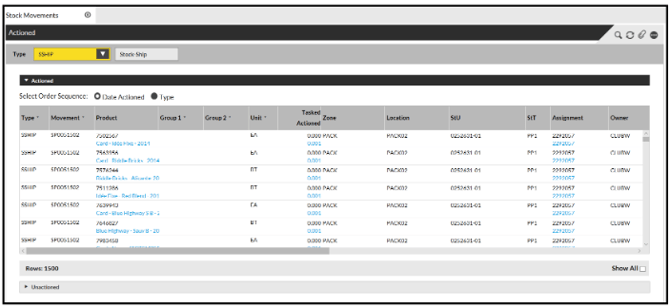
This shows all of the Stock that has shipped from the Warehouse.
Filtering to a Time Period
If you require this information for a specific period of time:
- Click the magnifying glass at the top of the screen.
The Search pop-up opens:
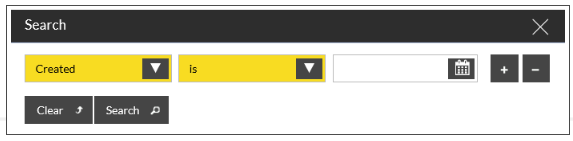
- Search on Created.
This brings back results from the date you have selected.