To begin the process
- Go to 3PL > Billing.
- Open the Activity Summary tab.
- Select the Frozen radio button.
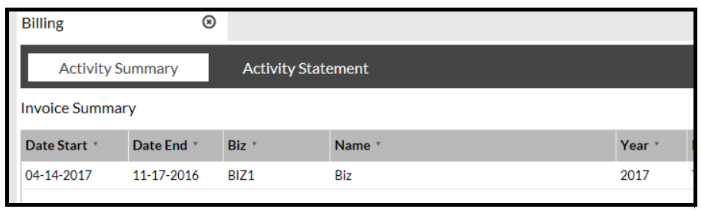
- Click the Finalized button.
The Invoice Action pop-up opens.
- Drag and drop the invoice into the pop-up.
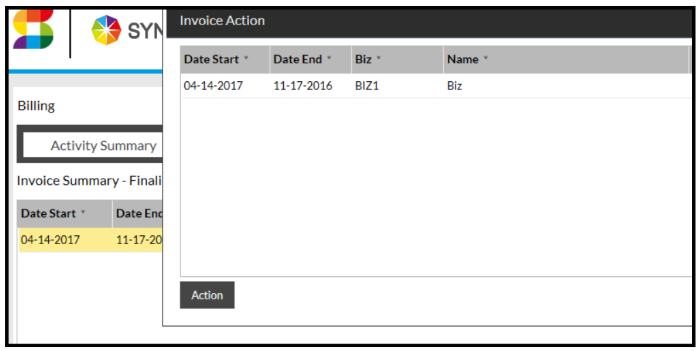
- Click the Action button.
- Click Confirm.
This moves the invoice to the Finalized page.
- Click the Finalized radio button.
The list of finalized invoices is displayed.
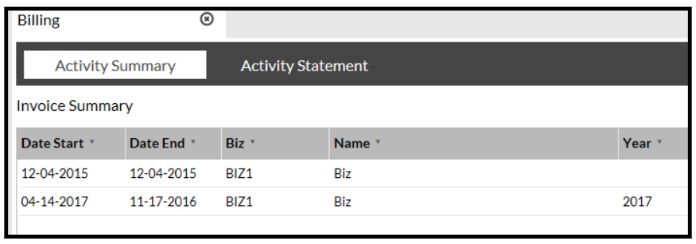
- Highlight your Invoice.
- Either click the View Detail button or click on the Activity Statement tab to view the invoice which will bring you to here:

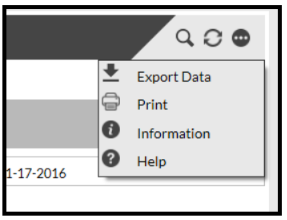
- Click the

icon in the top right-hand corner of the screen, from which expands a drop-down menu and click 'Print' to print your Invoice.