
Step 1: Locate the product
To do this:
- Navigate to Master Data - Product > Products.
- Search for the product that you need to delete

Step 2: Search for the product
- Double click the SKU searched for.
Step 3: Delete the product
- Click the Delete button (note that this will only action if there is no products stored in SnapFulfil).
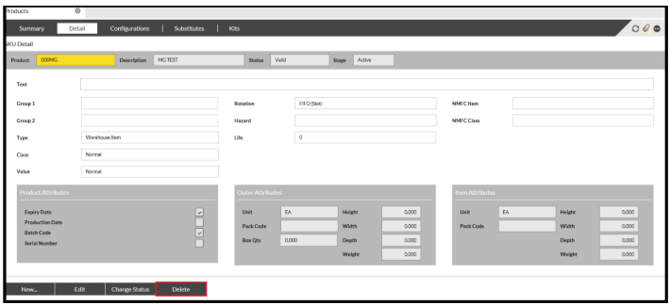
- Product has now been deleted and may show a stage of Purged. This will last until all movements for that SKU have been purged from the system.