
Log into SnapFulfil and from the Topics menu click on Master Data - Product.
From the expanded list, select Product Group and you will see a screen similar to the following:
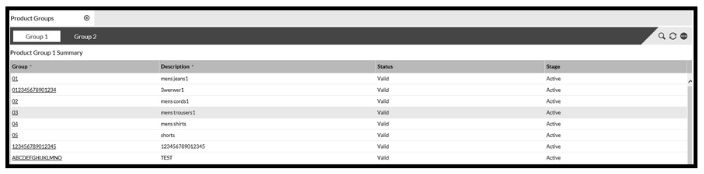
Select the required tab (Group 1 or Group 2) and click ‘New’.
The following fields are mandatory and must be completed:
- Group
- Description
- Status
When all the details have been entered click the ‘Confirm’ button, then enter the next Group details, or click 'Cancel'.