Log into SnapFulfil and from the Topics menu click on Master Data - Site.
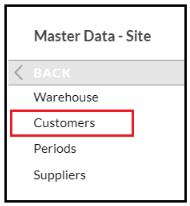
From the expanded list, select Customer.
In the Groups screen click ‘New’ and then click the Groups tab at the top.
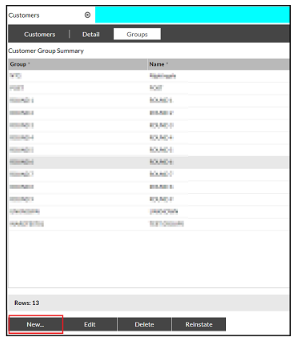
The following fields are mandatory and must be completed:
- Group
- Name
- Status

When all the details have been entered click 'Done' and then the ‘Confirm’ button.