
This details the steps required to create a new Customer.
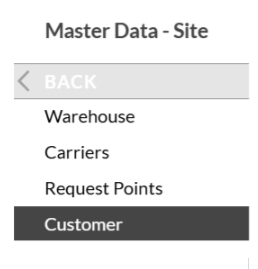
Log into SnapFulfil and from the Topics menu click on Master Data - Site.
From the expanded list, select Customer.
In the customers screen click ‘New’ at the bottom of the page.

The following fields are mandatory and must be completed:
- Customer
- Name
- Status
- Stage

When all the details have been entered click the ‘Confirm’ button at the bottom of the page.
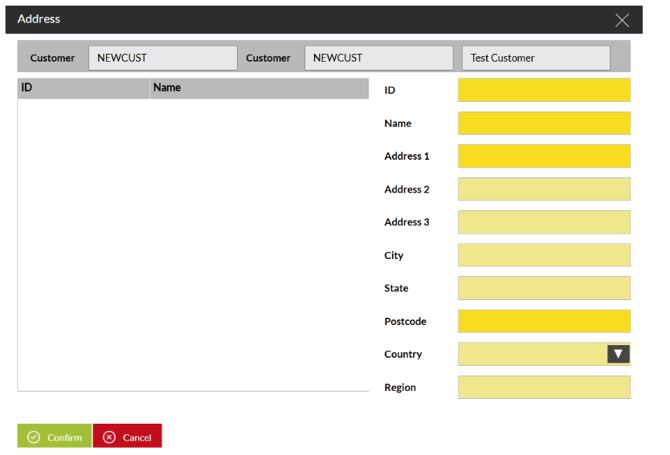
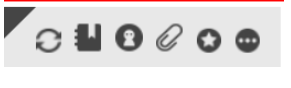
To enter an Address, in the Details screen click the Address book icon and complete the required fields.
If there are Specific Document that need to be printed for this Customer, these can be set as attachments using the Paper Clip Icon:
Once Open, Click on New and select the required from the drop down Live:
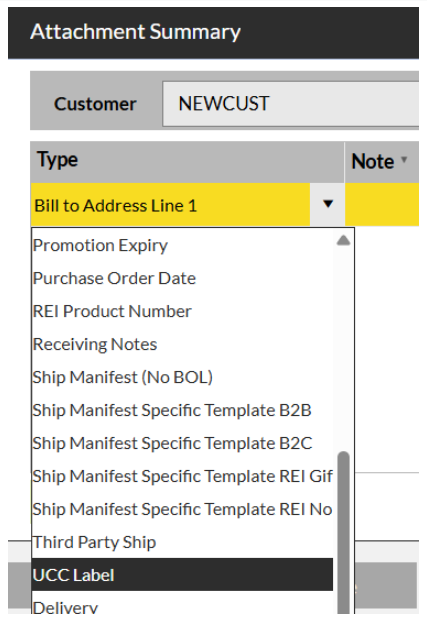
In the Notes field, add in the required details.