
The process required to advance an Inter-Warehouse Shipment is as follows:
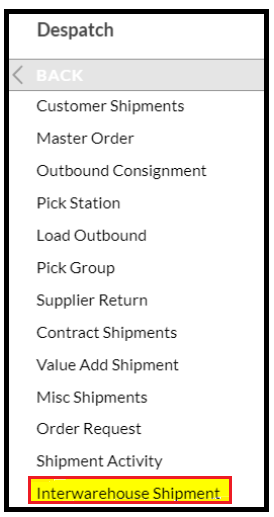
- Log onto SnapFulfil and from the Topics menu select 'Dispatch - Inter-Warehouse Shipment.'
- In the summary screen, click the 'Due In' radio button and select the required Shipment.

- Click on Release.
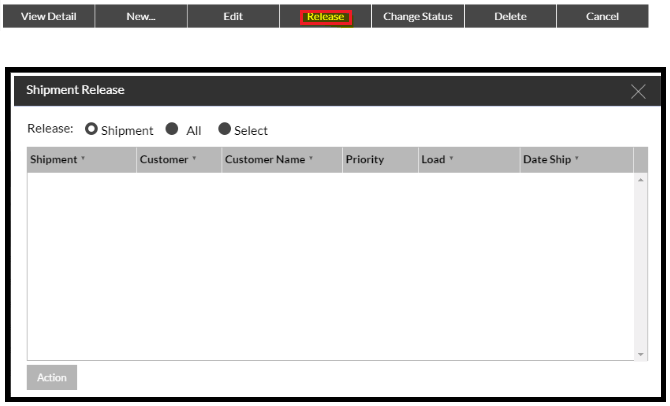
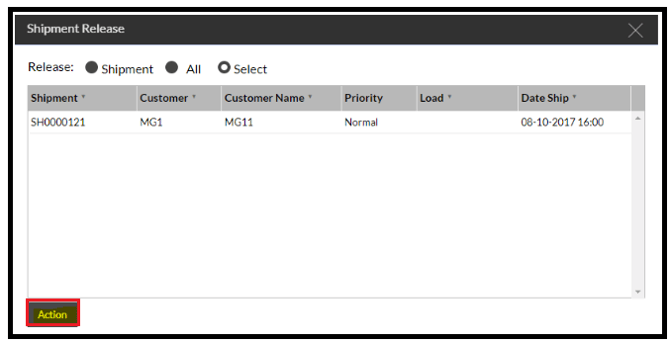
If the Dispatch Lane is populated all of the task will be created (where sufficient stock is available) and the tasks will be released.
If the Dispatch Lane is not populated, only the Item Pick Tasks will be released, and the StU tasks will be automatically released when the Dispatch Lane is completed.