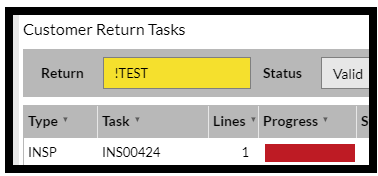
The process required to update a Return is as follows:
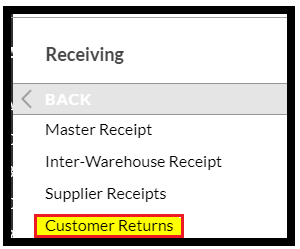
- Log onto SnapFulfil and from the Topics menu select 'Receiving - Customer Returns
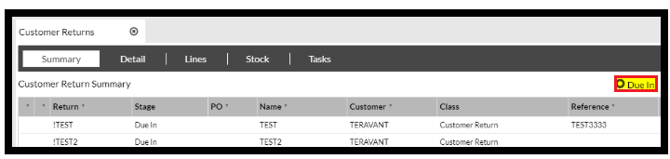
- In the summary screen, click the 'Due In' radio button and select the required Return.
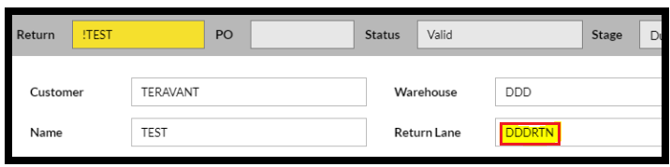
- In order to create the tasks for the RF operator, the Receiving Lane must be completed (if not already done).
- Click 'Confirm Arrival'

- Click 'Commence Inspection'

This will create an Inspection task which is available to a suitably authorized RF Operator.