
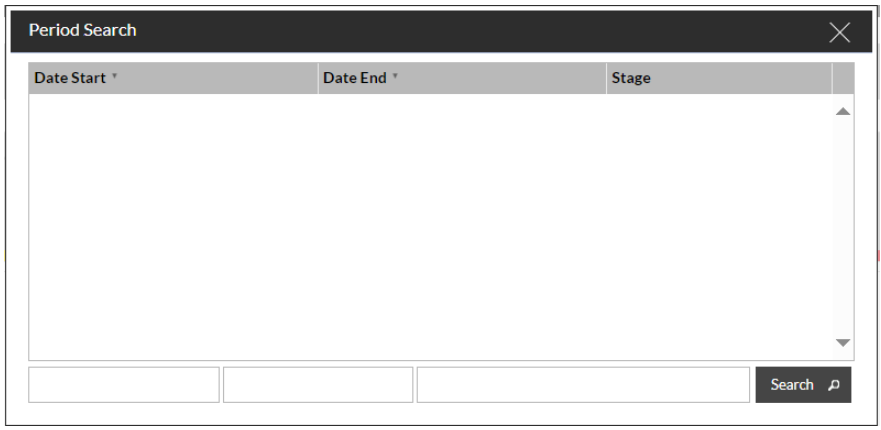
This will probably be blank with nothing to select in it:
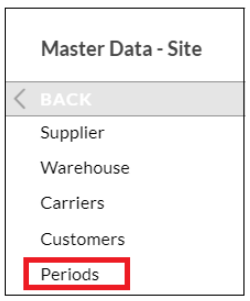
To populate this you will need to head over to Master Data - Site and choose Periods:
This will bring up a blank screen.
If you press 'New' it will allow you to add date ranges, these could be anything from a day up to several months.
In the example below we have set the date ranges to be monthly:
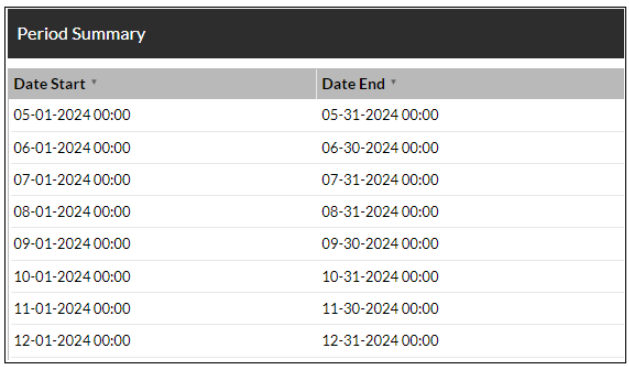
Select 'Done' and 'Confirm' once you're happy with the entries.
Now, next time you log into SnapFulfil and open the Dashboard, when you select the Magnifying glass you will be presented with the list that you created earlier:
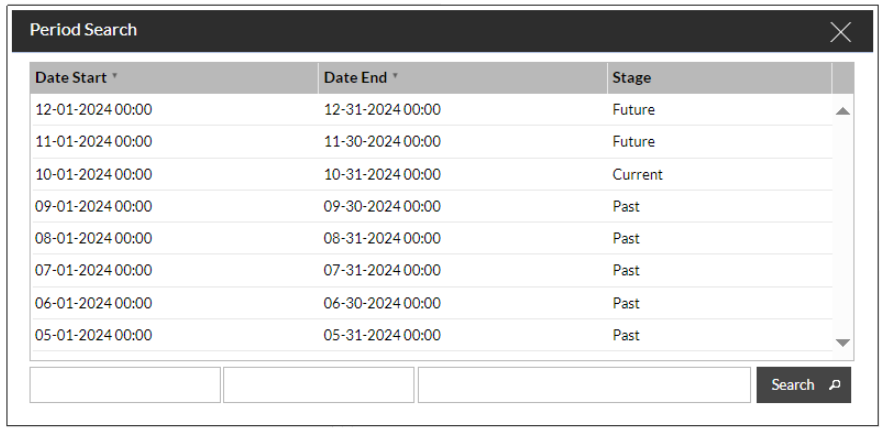
You can now select one of these and the Dashboard will populate with data between the 2 dates.