
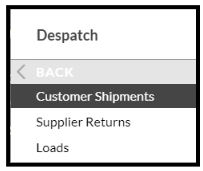
- Log into SnapFulfil and from the Topic menu click on Dispatch
- From the expanded list, select Customer Shipments
- Click on the 'Due Out' radio button, then 'Assign Load'
- In the pop-up box that is displayed, select the Load number from the browse field.
- Drag the required Customer Shipments into the box and enter a 'Drop' number.
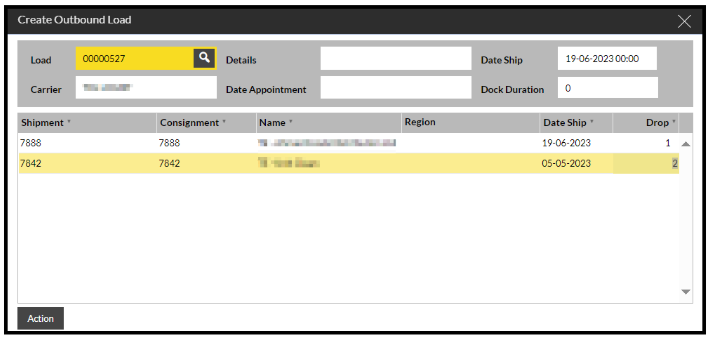
- Click 'Action' and then confirm 'Yes', and the Shipments will be assigned to the Load.