
This is due to a process that runs in the background of SnapFulfil and progresses the orders.
Normally these processes will run every 60 seconds but this is specified by the client at initial setup.
- If you were to Release an order:

- Click on Tasks.
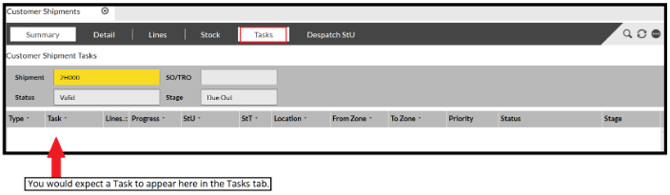
If this is blank you may need to wait until the background process runs, once this completes the Task should be created.
It will not automatically pop up on the above screen so you will need to press the refresh button  after a minute or two of releasing.
This should now show as expected:
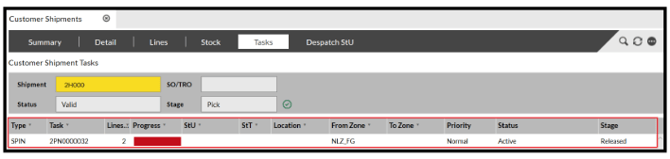
If, after a couple of minutes the task still hasn't populated, this may signify there is an issue with the shipment and will need investigating.
This could be due to a number of things but the more common things are; no shipping address, issue with the stock or issue with the stock location.