
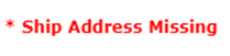
If you see this then check that there is an Address attached to the order.
Select  from Despatch > Detail screen.
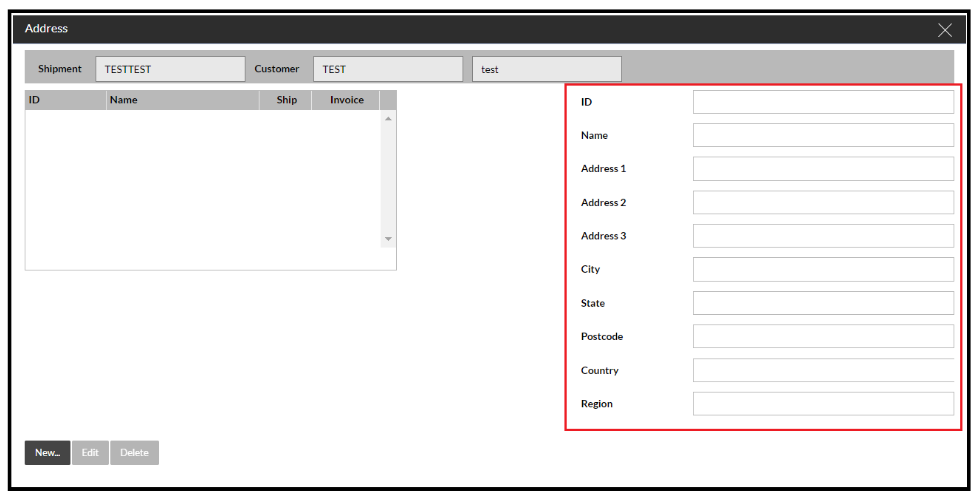
If it looks blank like the below then you will need to click on the 'New' button and fill in the details highlighted.
If you open the address and it is populated yet you are still getting the error when trying to ship then highlight this row:
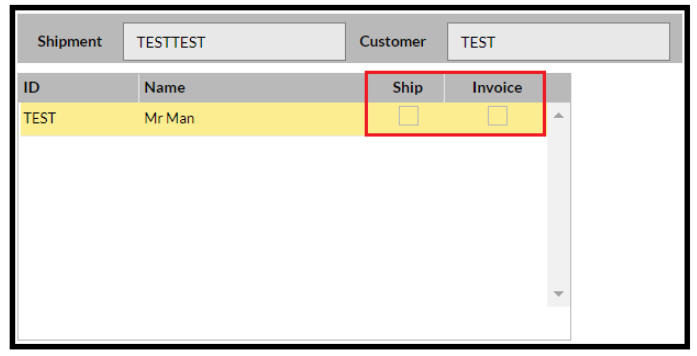
Now press 'Select' and ensure that at least the Ship button is ticked:
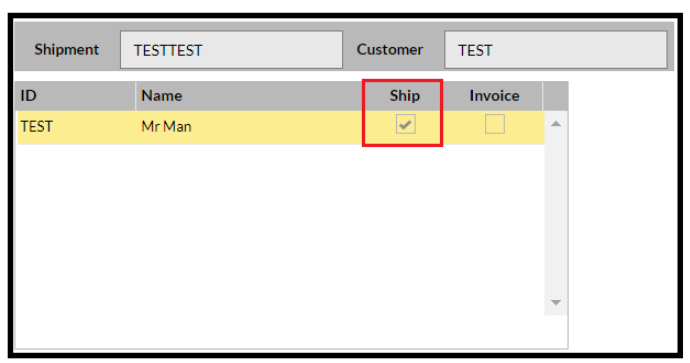
Now confirm this and close the Address pop-out screen.
Try shipping now and it should be successful.
If not, then please raise a ticket with the Service Desk