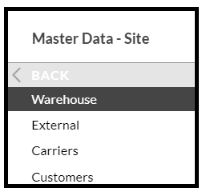
If you have a need to find out which slots in the warehouse are empty then the easiest way would be to go to 'Master Data-Site' and select 'Warehouse'.
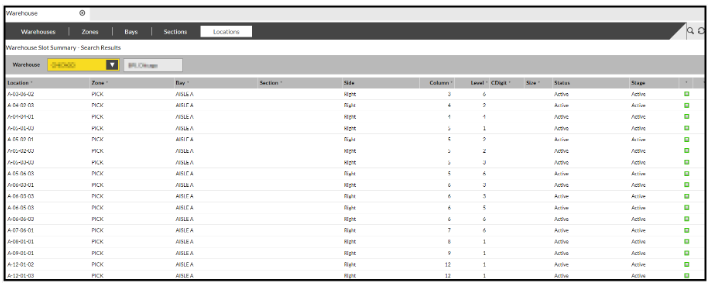
Select the 'Locations' tab and this will display all slots within the warehouse.
If you now click on the magnify button to load up the search box, then change the first box to 'Occupancy', leave the second box as 'is' and the third box as 'Empty'
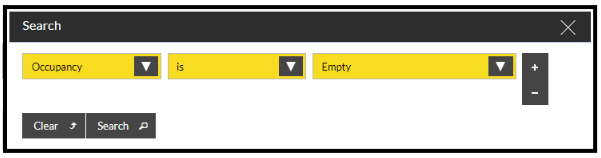
If you now click on the 'Search' button all Empty slots will be displayed: