
The system administrator will then need to close one (or more) sessions in order to allow the user to log on. This is achieved by the following:
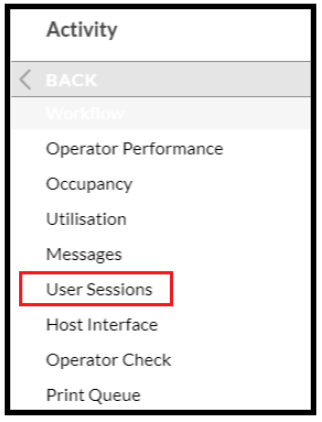
- Open the Activity - Sessions topic.
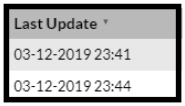
- Check the Last Update field for any old sessions that are showing.
- Highlight the required line and click 'Close Session'
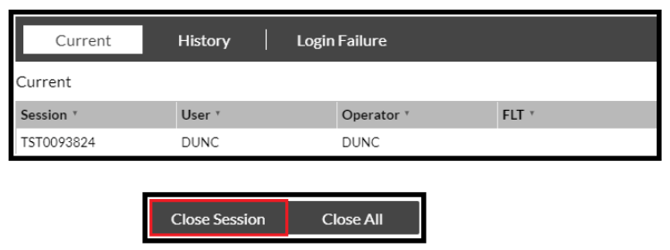
- At the prompt click 'Confirm'.

- This will close the session highlighted, and you can then repeat this for other sessions that are no longer being used.
NOTE: Do not close sessions of users who are actually logged into SnapFulfil, as this could cause problems if they are in the middle of actioning a task.