
You will be able to do this provided you have the correct level of access.
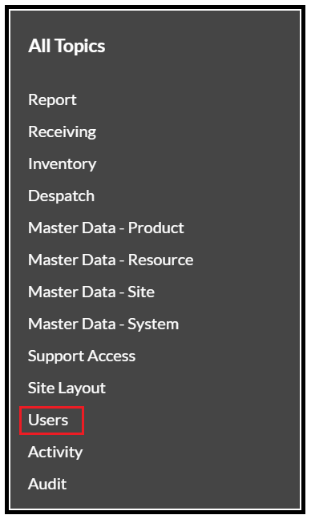
- From the menu select Users.
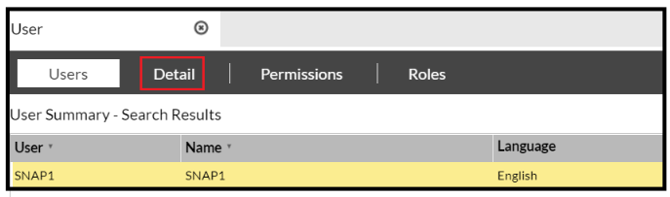
- Highlight the user that needs their password changing and select the Details tab.
- This will bring up the following screen:
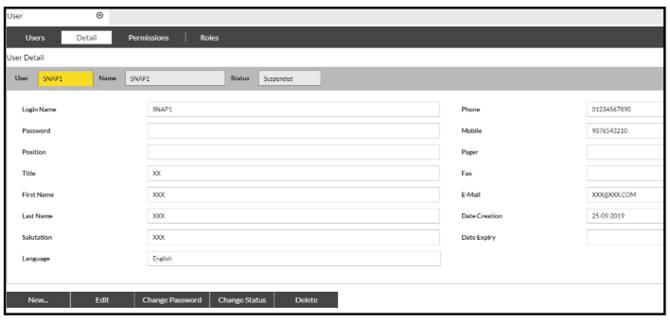
- Select the 'Change Password' button:

- Enter the new password, ensuring it is 6 characters or longer and then Confirm:
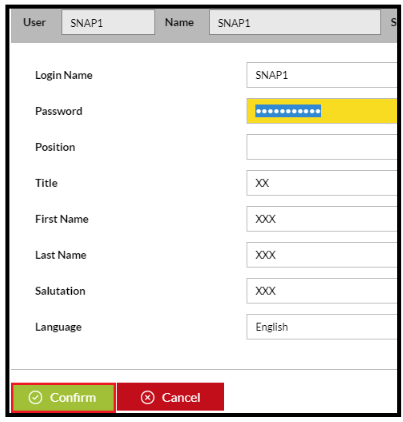
Your password has now been changed.
Note - If you get a pop up like this:
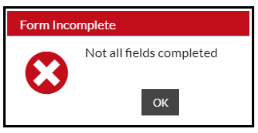
This indicates that you haven't adhered to the above password convention and will need to revisit it.